Hi Steve
it's the Import Limit.
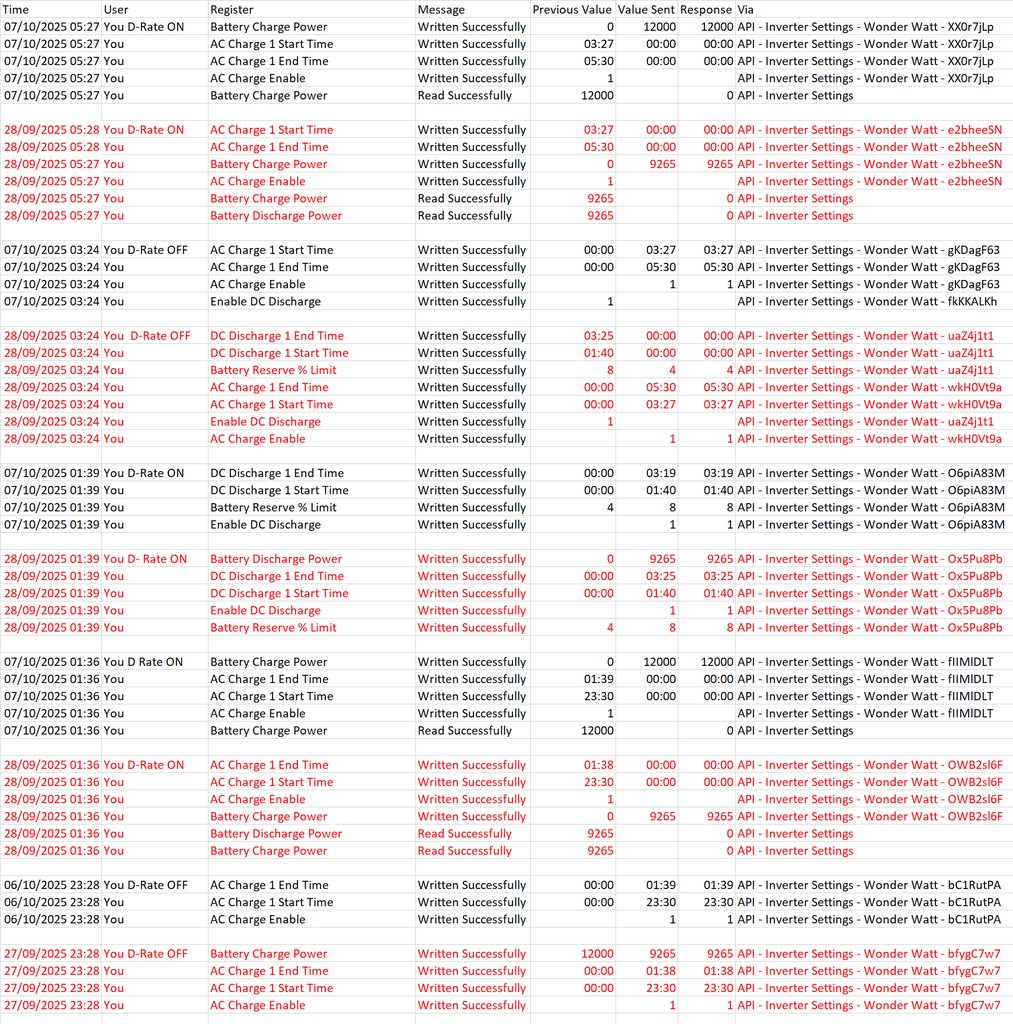
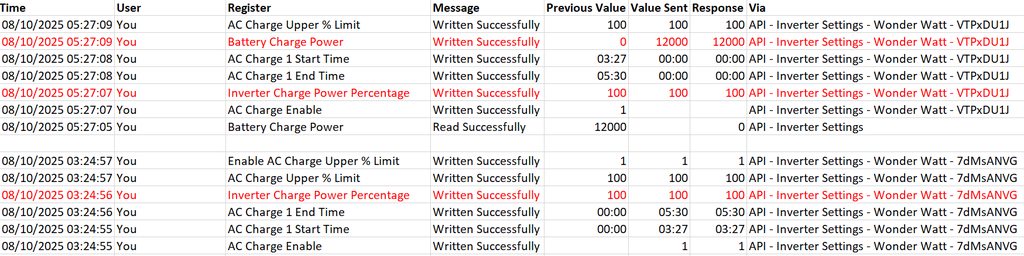
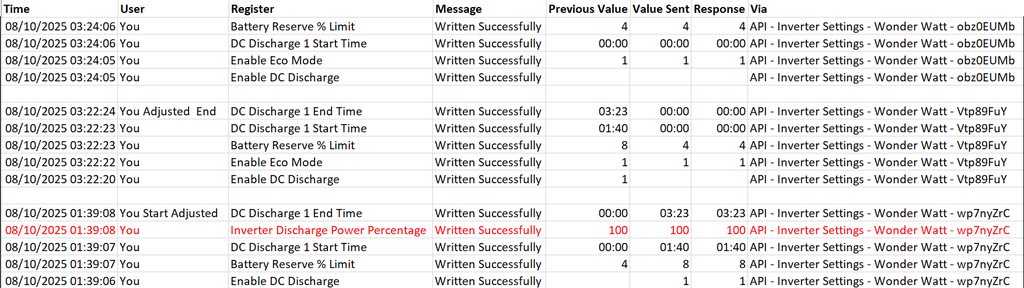
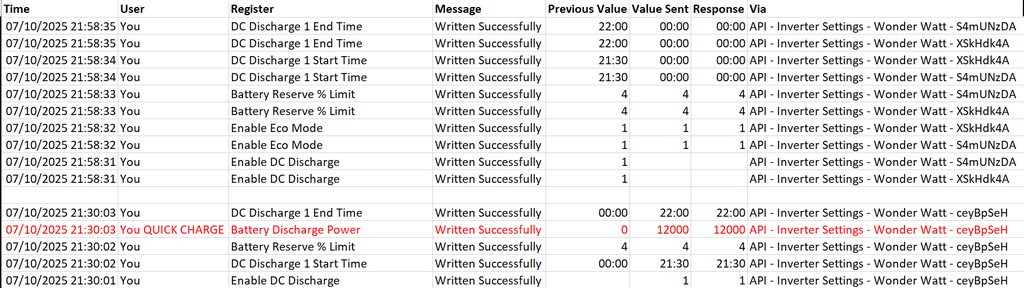
To everyone else here I apologise for the length of the post as it is mostly off topic. However my problem with my EV charger taking charge from my house batteries is because dual AIO's don't support the Givenergy Battery Discharge Power command and instead support the Inverter Discharge Power Percentage command. WW is the same however Admin is doing his very best to fix this, though we are not quite there yet.
I will tell you the story. It all happened a few months after my battery system was first installed, it had been a support nightmare from the start, with new faulty equipment, and the usual GE support apathy. It was all a bit overwhelming at first, I have had Solar since 2011 with no issues whatsoever. So I thought a Battery System would be similar, how wrong I was.
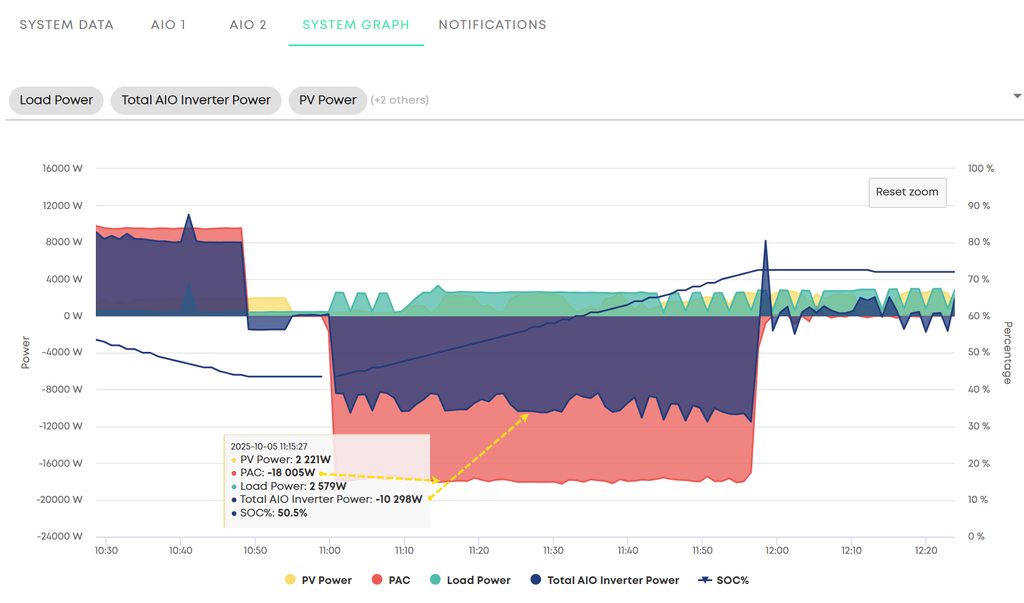
My System is as follows Gateway, 2 x AIO's and GE EV charger and a small 3.84kw array with SMA Inverter. At the time of installation the Gateway Firmware was (AO.12) and the AIO's Firmware was (DO.617/AO.0617). The GE EV charger is Wired Directly into my Gateway. Therefore, If I charge my EV it shows as house load. One of the advanced features of the GE EV charger is that you can put it in a configuration called "Inverter Cloud Mode", this enable all manner of Hybrid and Solar options including an option "Do Not Discharge House Batteries". This like most things when you have Dual AIO's is "Not Supported". It didn't say that anywhere in the EV marketing literature (Classic GE sell it, then let the customer find out.) I obviously didn't want to empty my house batteries into the EV on a regular basis, I wanted the charge for the EV to be taken from the Grid. So being new to this house battery and EV charger scenario, the only way I could find at that time, was to Charge the house batteries at the same time. This of course means that all the house load gets taken from the Grid, in addition to the 12kWh Battery Charge plus the 7.2kWh of the EV charge that was also in progress. The sun was out in late May and we were generating about 1.9kWh at the time of the event. I don't know if it was someone flipping on a kettle, or the sun went behind a cloud, but the Gateway overloaded and shutdown. All power to the house went off and All the AIO's went offline, in fact Red lights on every piece of kit. Panic stations, Right? I remembered the bypass switch in the Gateway, and after groping about in my dark garage where the kit is located, I managed to get the screw removed from the Bypass security plate, and got the house power back on. At that time you could actually get to speak to someone at GE support by telephone, you had to wait a while but eventually they picked up. This lead to an entire afternoon of me on a call with various support personnel, being escalated as each one ran out of Ideas. Nothing up to this point worked, and the Gateway refused to restart. Eventually Paul L. got involved and a restart sequence was relayed over the phone which was similar in complexity to the Apollo 13 (watch the film) switch sequence, to save power and get the Astronauts back to planet Earth. When everything was back online, I took the trouble to write the sequence down, and photographed the switches etc for the next time it happened.
After the event Paul L. advised me that the Gateway has a hard Limit of 85 amps anything greater than that and it will shutdown. He suggested that he remotely upgraded my Gateway to V13 firmware and the AIO's firmware to version AO.618, He explained that the V13 Gateway firmware had new features so that a defined limit could be set, and that in conjunction with AIO 618 Firmware this would dynamically throttle the system whilst in operation to stop the scenario I experienced ever happening again, which it has. He set my system to 80amps it was on 100amps and enabled the Limit.
So Gateway has a max limit of 85amps exceed that and it will shutdown. With V13 firmware GE Support can set a lower limit, which will allow the Gateway to continue in operation and throttle the AIO's