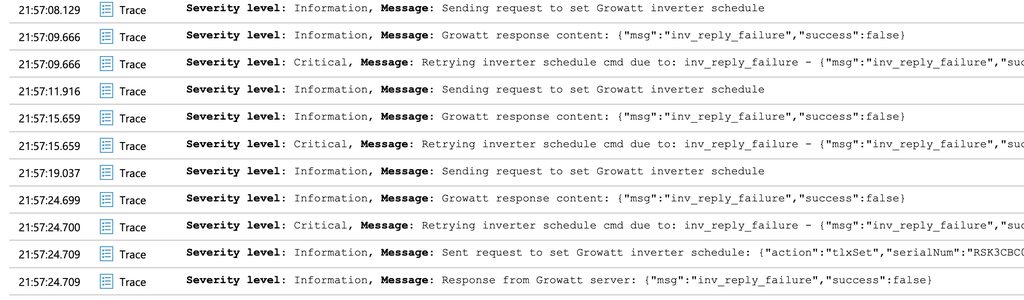
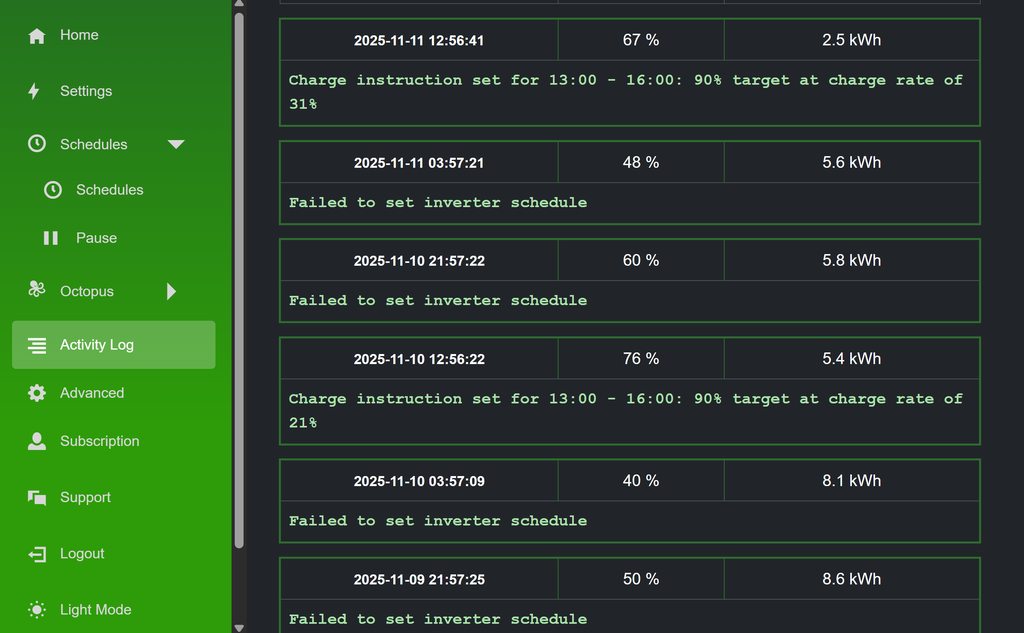
admin Stuart1 We sorted the trial out for you. But looks like our Growatt web API is erroring when we send the instruction, see our detailed log below. Can you set schedules via the ShinePhone app or Growatt desktop dashboard?
Stuart1 Its a Growatt MIN 6000TL-XH and it failed twice today but it did say it did one but don't know what that means ?
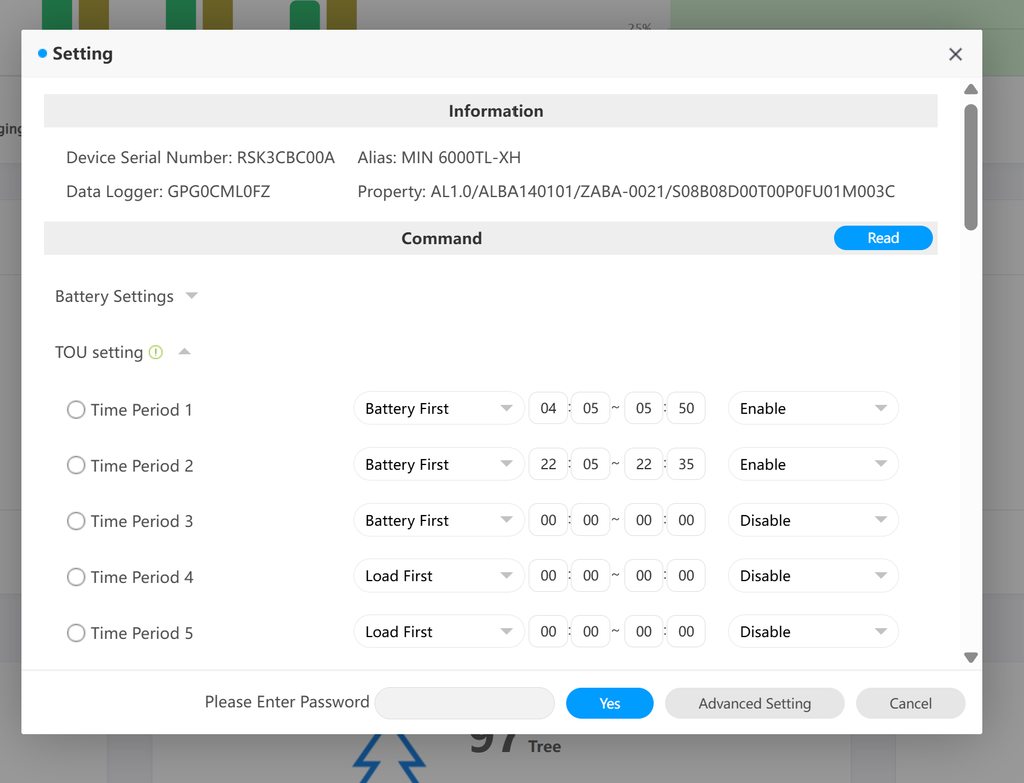
Stuart1 So will the 13.00 slot work today or fail ? I had slot 1 slot2 and slot3 set up in my growatt app (see pic) but you have deleted the time schedule i had in slot 3 for 13.00 . So what should I have in slot 1 and slot 2 or should they all be disabled so your side can work. Please advise.
admin Stuart1 Disable them all, so WW can manage it, yes. The reason you are getting failures is likely due to conflicts.
Stuart1 admin So will you charge over all 3 slots to keep battery charged only as much as it needs to make it cost effective. ? Please advise.
admin Stuart1 WW uses one schedule at a time and updates that continuously with the next instruction a min or 2 before it is due. You manage your schedules within WW itself, https://app.wonderwatt.com/schedules - or if on Agile or IOG, you would manage them in the relevant sections you can find within the navigation menu. Hope that helps!
Stuart1 Stuart1 Great so all 3 slots are now working. But can it be set within the slots to just charge the battery and when at set charge level it will stop charging and importing instead of importing for the full 3 hour slot. When I do it on the shine app slot 1 charge for 2 hours slot 2 charge for 1 hour and slot 3 charge for half an hour and that kept it topped up and running my heat pump all the time (24H). Is this possible ? Please advise.
admin Stuart1 Yeah, you just change the time from/time to on your Schedules in WW to achieve what you want. 😃
Stuart1 admin oh...so its just like shine app I can just reduce the length of the time slots in the WW schedules ?